
Zapier Integration
Learn how to connect Sunsama to Zapier to automatically create tasks from other apps.
The Zapier integration is a bit unlike other integrations in Sunsama. To use Sunsama in Zapier, you’ll need to add the Sunsama app in your Zapier account’s connected apps and will need to generate and use a token in your Sunsama settings to do so.
Integration Setup
Adding Sunsama app to Zapier
First, go to your account in Zapier, or create an account if you have not already.
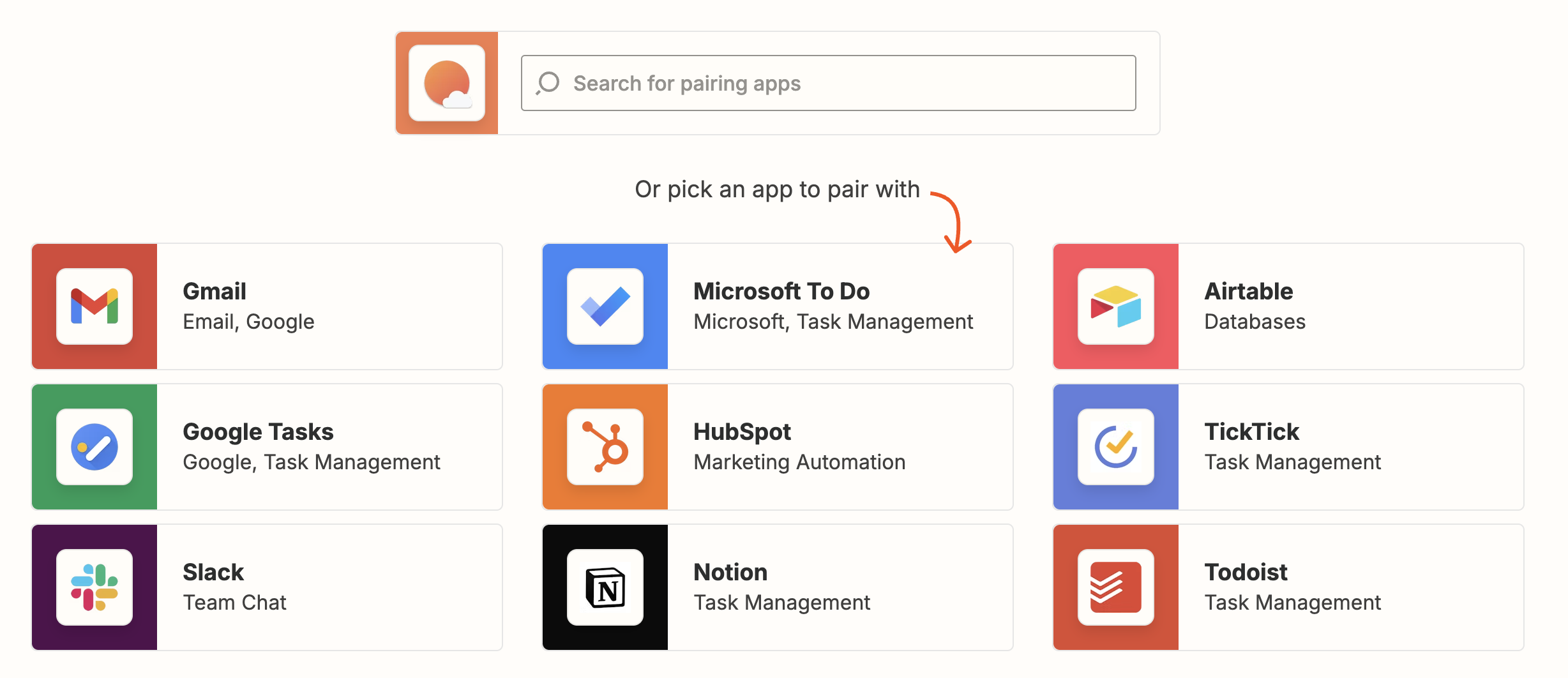
- In Zapier, go to your Apps page
- Click “Add Connection” or use the search bar and type “Sunsama”
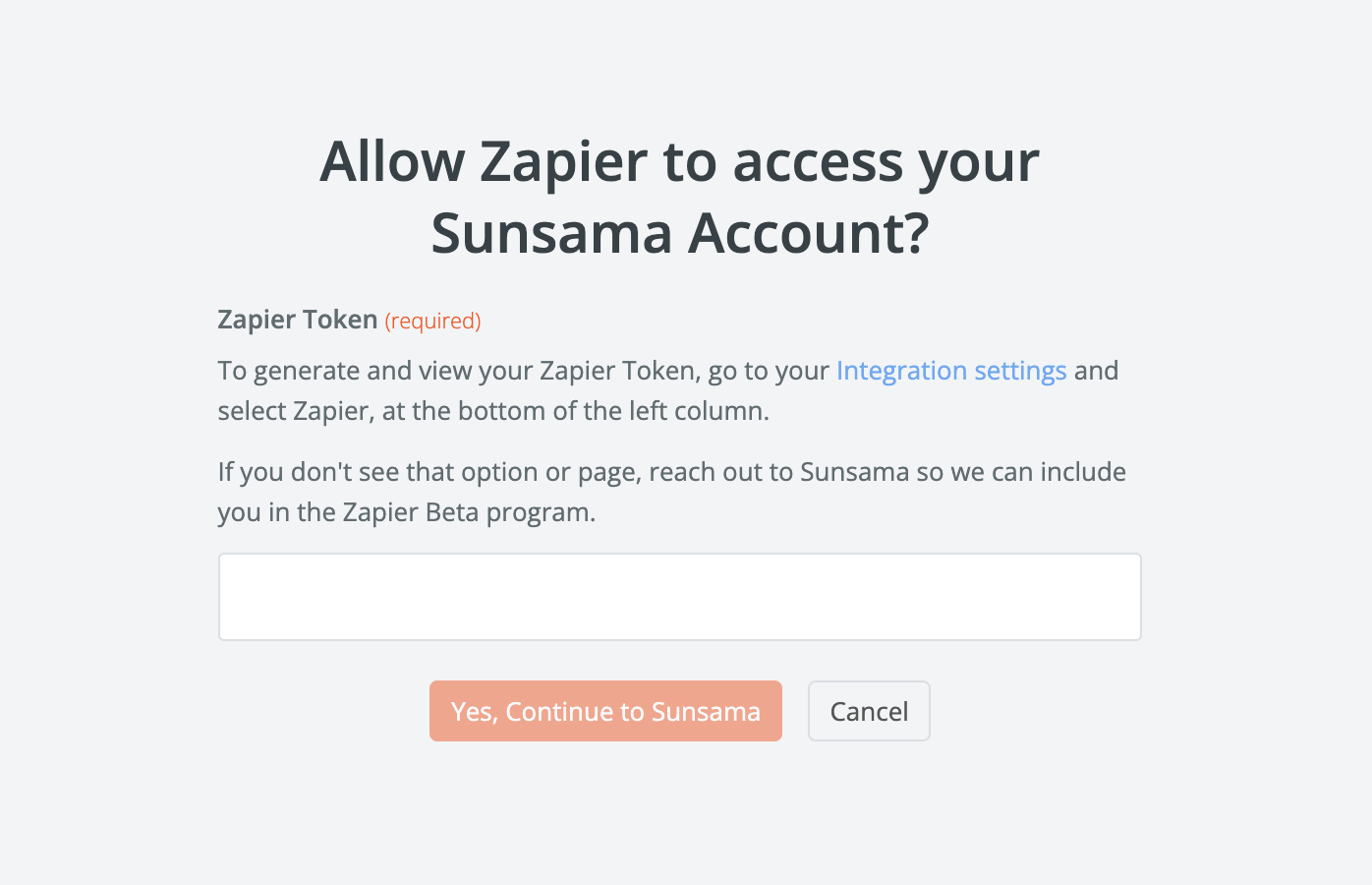
- You’ll then be prompted to enter your Zapier Token
Zapier Token
To find your Zapier Token:
- In Sunsama, go to your Settings and navigate to “Zapier” in the very bottom of the left hand panel
- Click “Create New Zapier Token”, and a unique token for your Sunsama workspace will be created above and obscured
- Click “Copy token”
- Return to Zapier and paste the token
- Click “Yes, Continue to Sunsama”
Using Sunsama in a Zap
Now that Sunsama is a connected app in your Zapier account, you can use it as an “action” or event in a Zap.
To use Sunsama as an action:
- Go to your Zapier > Create > Zaps
- Configure your Trigger first
- For the action, select Sunsama as the app
- Configure the settings to your liking
- Customize the resulting Sunsama task’s name, channel, start date, notes, and more
Zapier Templates
There are a number of Zap templates you can use. Some of these were created by Sunsama, some were created by users like you. They are displayed based on their popularity of use according to Zapier.
Templates can be found in two places:
- Zapier’s Sunsama app page
- In your Zapier Integration Settings page
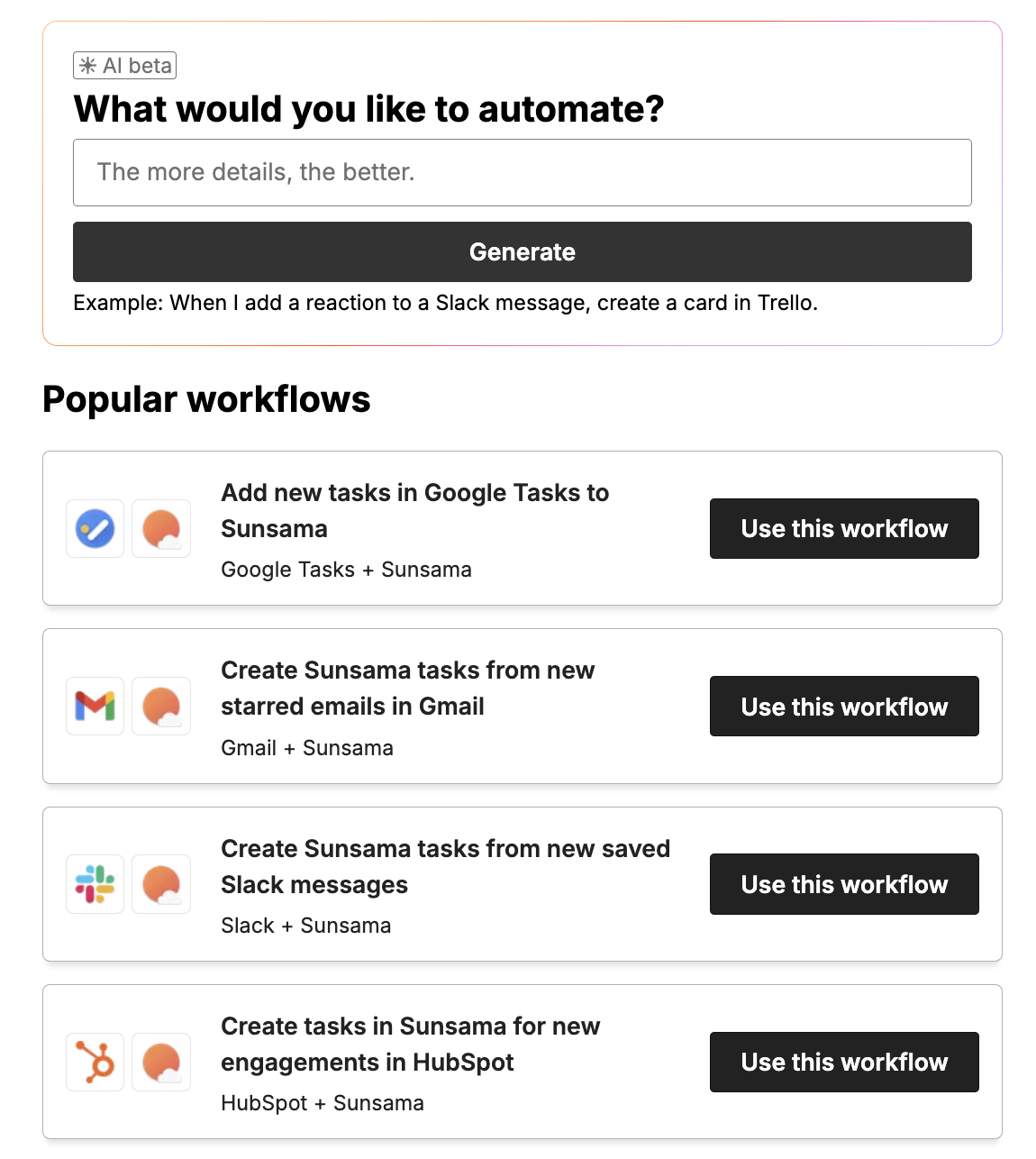
Example templates include:
- Create Sunsama tasks for new Zoho CRM leads
- Create tasks in Sunsama for new leads in Salesforce
- Create Sunsama tasks from new starred emails in Gmail
- Create new Sunsama tasks for every new Google Tasks task
- Create Sunsama tasks from new private Slack channel messages
Pro-tips
Use Zapier to automatically import synced integration tasks
Use Zapier to automatically import all new tasks from a tool like Todoist.
Use Zapier to automatically create rich linked tasks with planned time
Use Zapier filters and data from tools like Notion, Asana, etc to create rich, relevant tasks in your Sunsama workspace automatically.
Using Zapier to create and import tasks that repeat every N days
Workaround using Zaps and Todoist to create tasks that repeat every number of days.