
Weekly Review
The end of week ritual to review your work for the week and reflect on whether you met your objectives.
The weekly review ritual guides you through reflecting on your time allocation and whether you are meeting your objectives.
Walkthrough
How to use
Entering weekly review
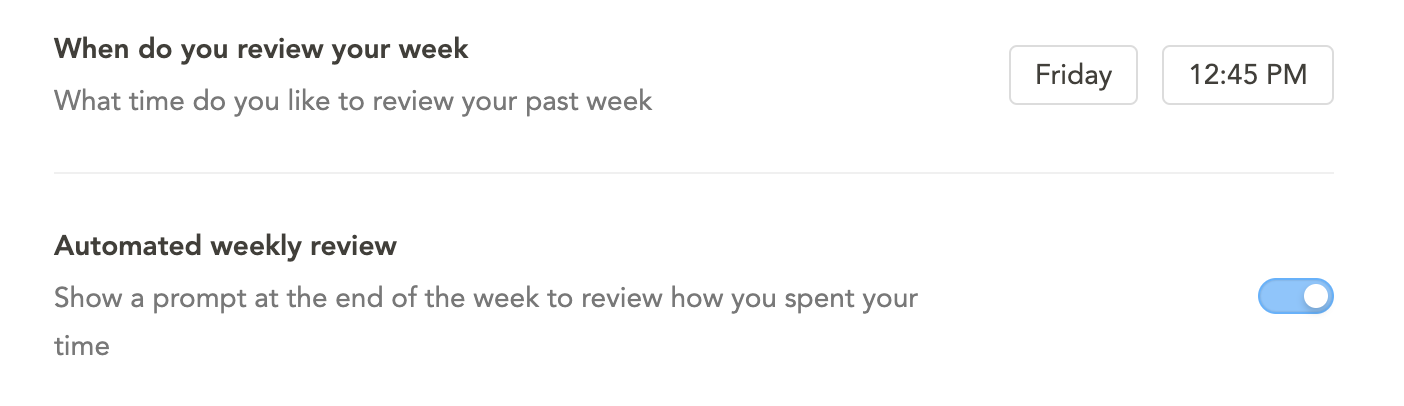
You can access the weekly review from the left navigation menu. If you have “Automated weekly review” enabled, an auto-prompt will appear in the top right corner at your configured time.
To configure this, go to Settings > Rituals.
Step 1: Review objectives
View your progress toward your weekly objectives. You can see time spent on objectives versus other activities and mark objectives as complete. This step is skipped if you did not set any objectives.
Step 2: Review your body of work
Review the work you completed for the week and view a time breakdown by day. This provides a sense of accomplishment and perspective on how you spent your time.
Step 3: Journal
Write a reflection on your work week. Document big wins, time distractions, and lessons learned. Click “Automate” to include objective-aligned tasks or private objectives in your reflection.
You can optionally share your reflection to Slack or Teams. Click “Wrap up” to complete the weekly review.
Combined weekly review and planning
In Settings > Rituals, you can enable the option to combine weekly review and weekly planning into one flow. When combined, the review of past objectives becomes part of the planning process. See Weekly Planning for more details.
Reviewing past reflections
To review a past weekly reflection:
- Scroll back in the Kanban to the desired week
- Click the “Weekly review” task
- Find your reflection in the task’s notes section
Best practices
- Center your reviews around the weekly objectives you set during weekly planning.
- Align tasks with objectives for maximum benefit from the review process.
- Share updates to Slack/Teams as an async alternative to standups.
- Use the “Automate” button to generate lists of aligned tasks automatically.
- Click “Skip this step in the future” to dismiss the journaling step permanently if you prefer not to journal.
FAQ
When I enter weekly review, am I reviewing this week or last week?
- Sunday, Monday, Tuesday, Wednesday: You are reviewing the previous week.
- Thursday, Friday, Saturday: You are reviewing the current week.